Gongjindan Screenshot Editor
Capture clearly. Edit simply. Save privately.
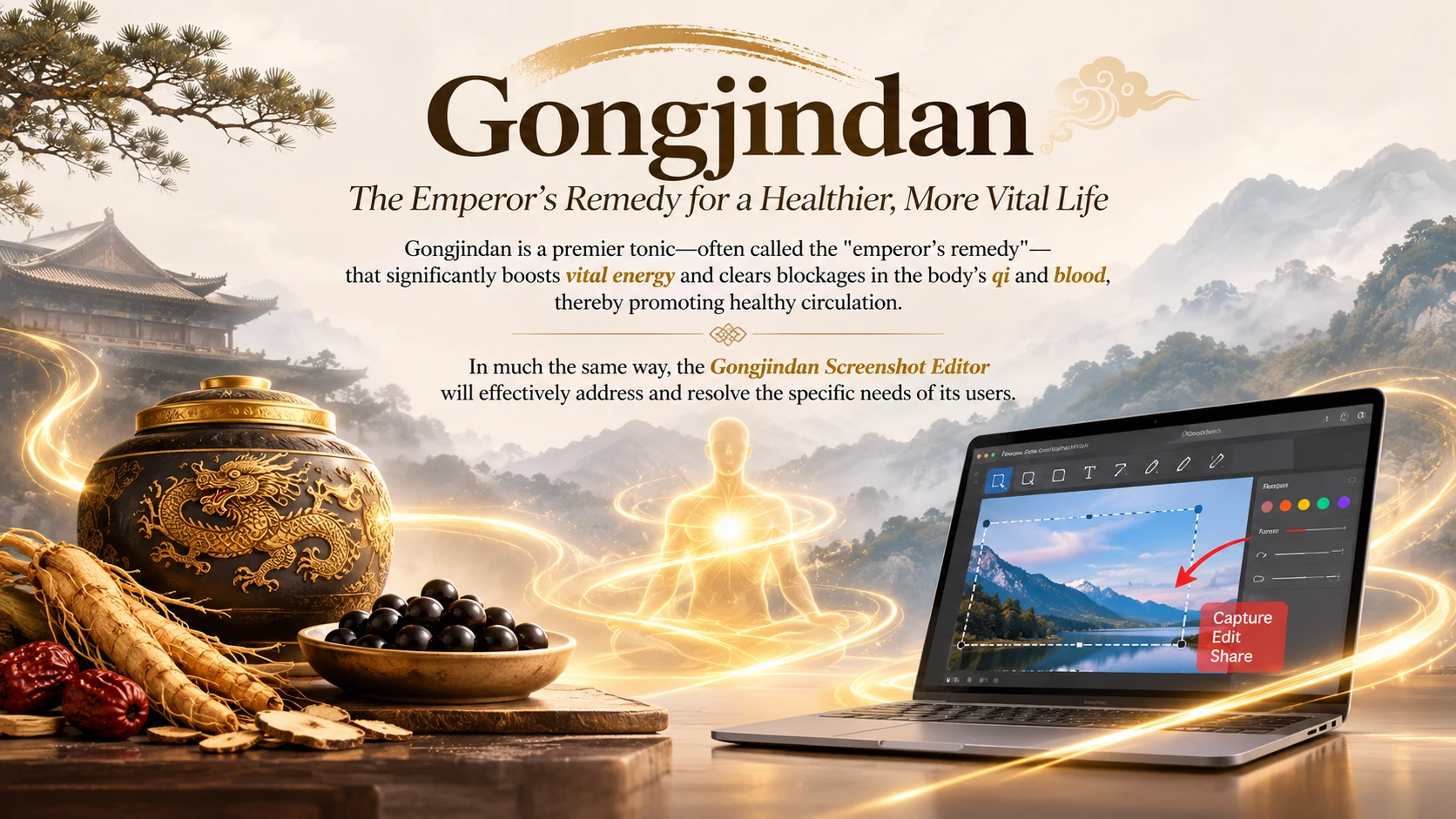
A name inspired by vitality
Gongjindan—often called the “emperor’s remedy”—is traditionally associated with restoring vitality and supporting the flow of qi and blood.
Inspired by that idea, Gongjindan Screenshot Editor helps clear obstacles in your workflow, making it easier to capture, edit, and prepare images.
The name is a metaphor for the editor’s purpose, not a medical claim about this application.
From screen to finished image
- Capture a screen, window, browser tab, or camera image.
- Import, paste, or drop an existing image.
- Add text, highlights, arrows, and shapes; crop or redact sensitive areas.
- Download PNG, JPEG, or WebP, copy an image, or save a private gallery copy.
New accounts require administrator approval before using the editor. Browser capture requires permission and a supported browser.